Appearance
Iconfont
Introduction
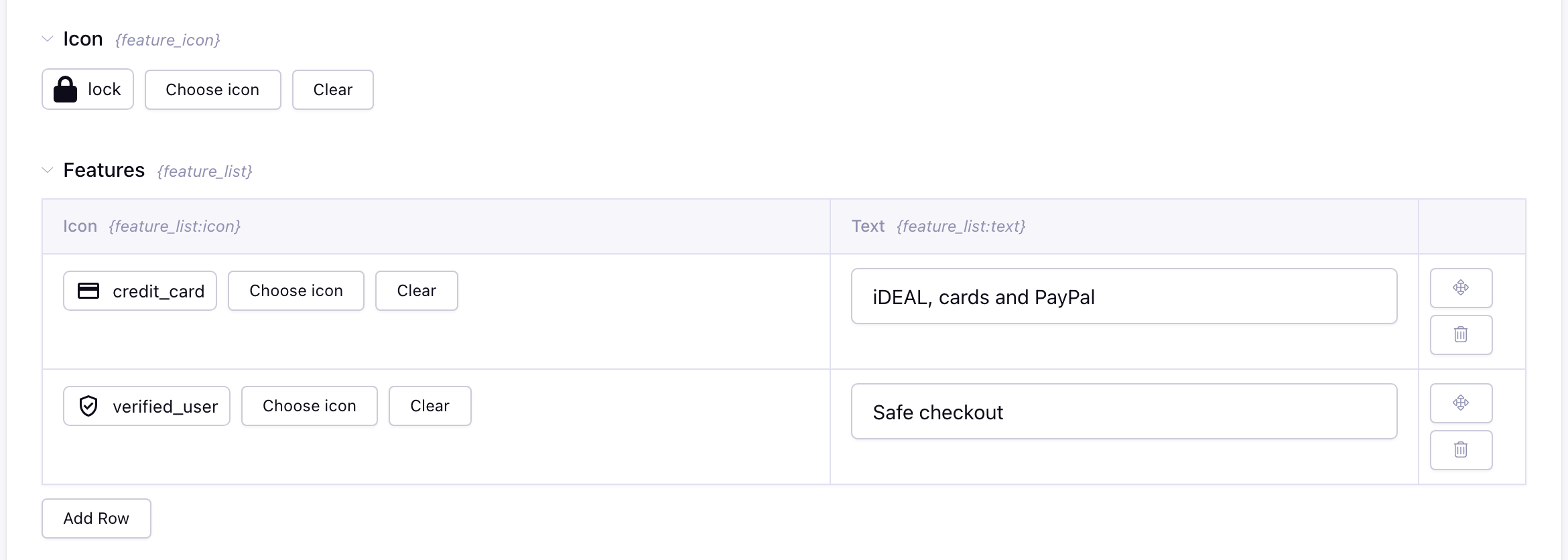
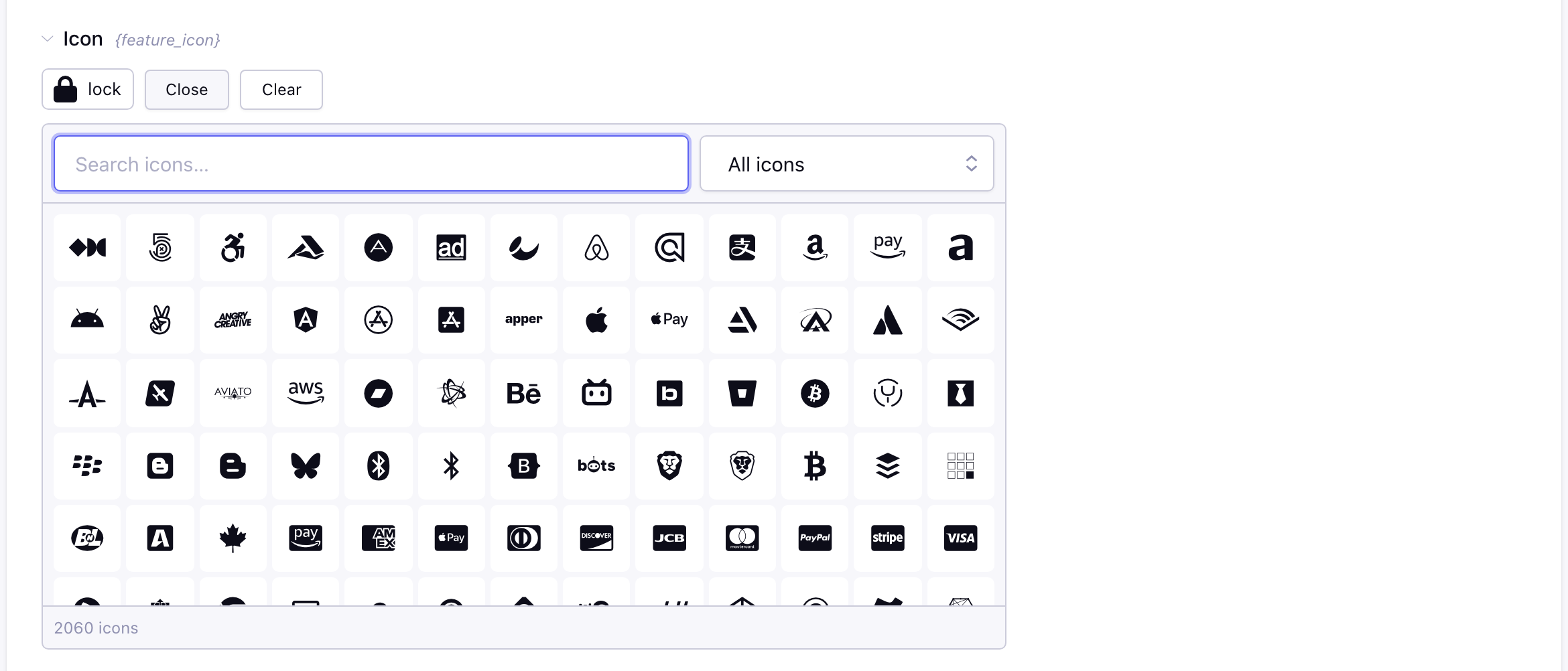
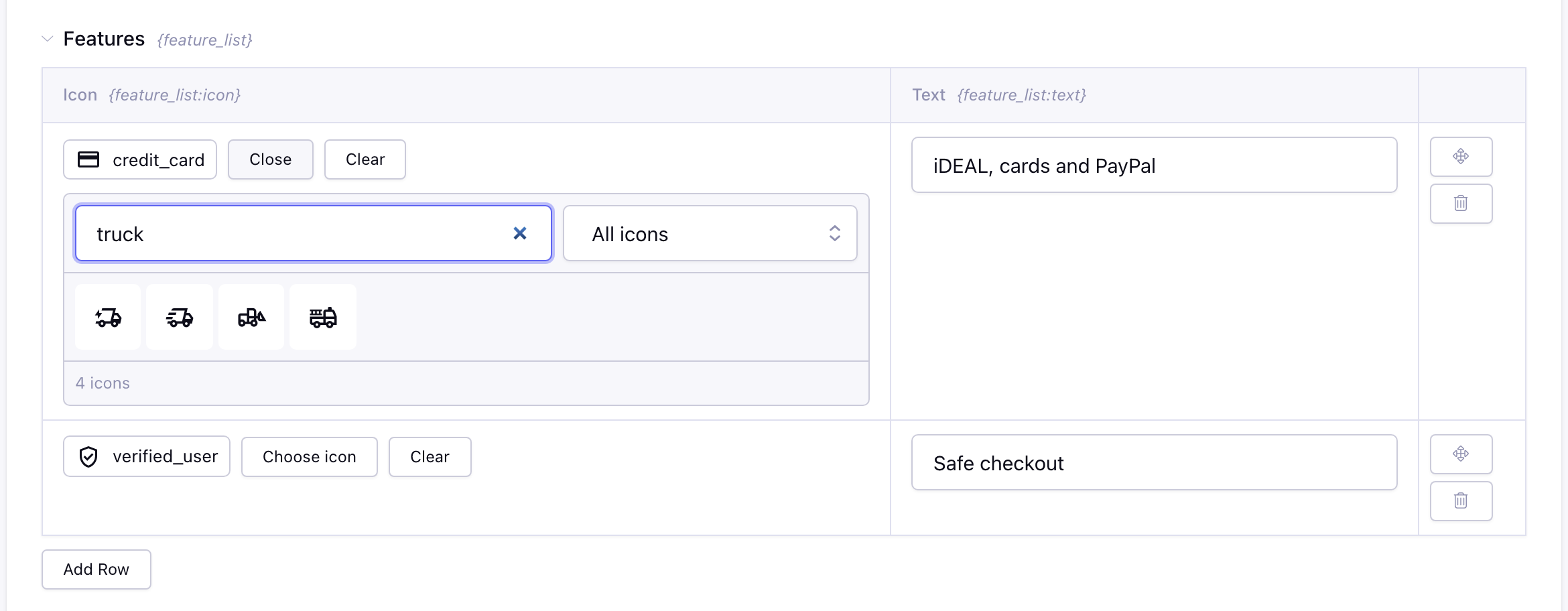
Iconfont is a special fieldtype where you select font icons like FontAwesome. The fieldtype introduce a nice and clean way of selecting icons, but its get even better by defining presets to select only the icons that your customer needs.
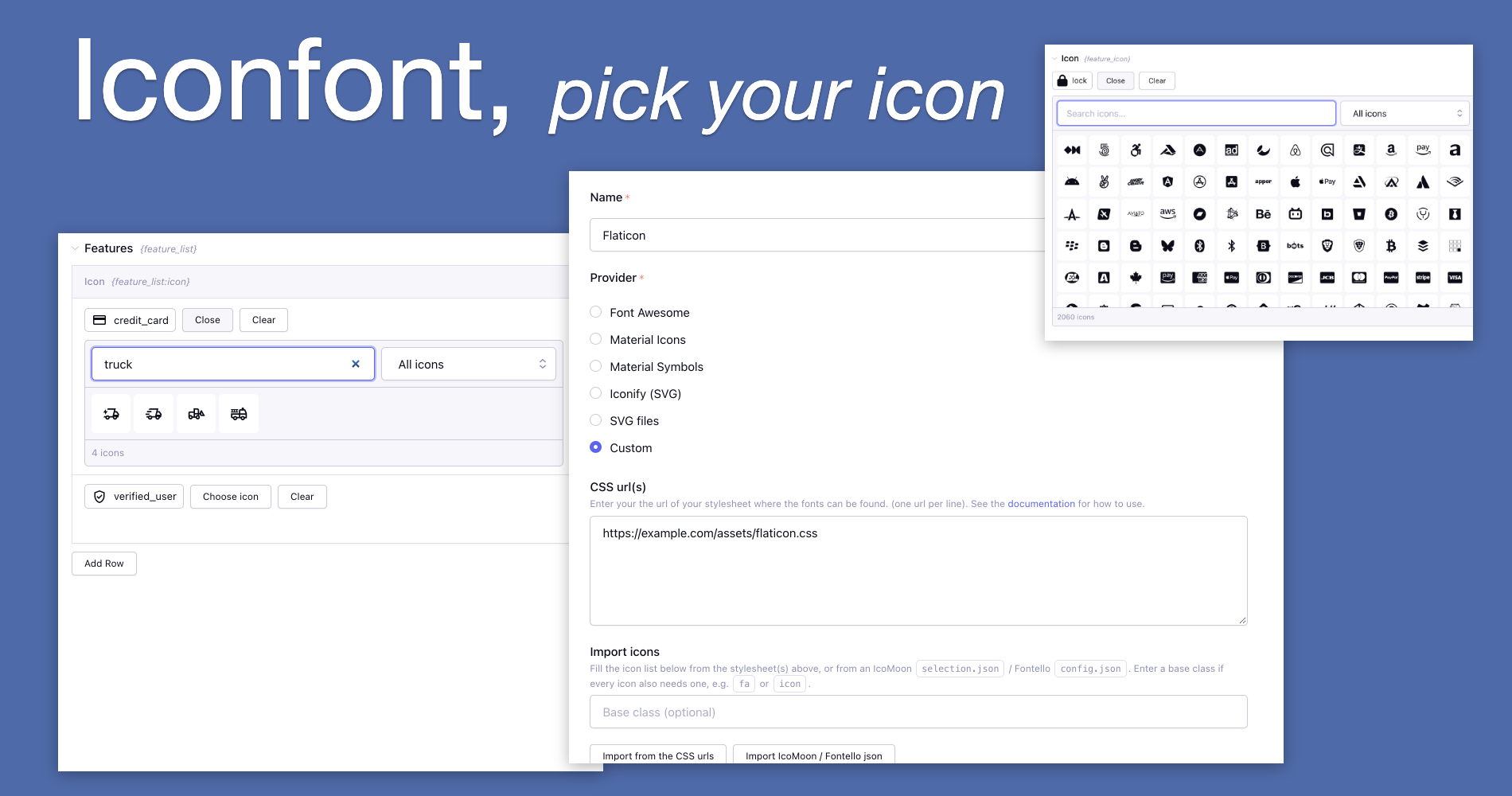
Out of the box we support Font Awesome, Google Material Icons, Google Material Symbols and every icon set on Iconify (lucide, tabler, mdi, bootstrap icons, heroicons, ...). You can also use your own svg files from an upload directory, or your own icon font, for example generated with IcoMoon, Fontello or flaticon.
In the templates you output the icon as class, as html or as inline SVG, see Template tags.
Features
- Searchable pickerFind an icon by its name or a synonym, by category, in your favorites or in the recently used icons.Read more →
- Font Awesome and MaterialFont Awesome, Material Icons and Material Symbols are ready to use after the install.Read more →
- 150+ Iconify setsUse lucide, tabler, heroicons or any other set on Iconify, as SVG.Read more →
- Your own SVG filesPick the svg files of an upload directory, with every subfolder as a category.Read more →
- Your own icon fontLoad your stylesheet and import the icons from it, or from an IcoMoon or Fontello file.Read more →
- PresetsOnly show the icons your editors need, grouped in your own categories.Read more →
- Grid, Fluid and moreWorks in channel entries, Grid, Fluid, Bloqs and Pro Variables.Read more →
- Template tagsAdd a size, a class or an accessible title, and loop over multiple icons.Read more →
Field (Third Party) support
- Channel entries, Grid and Fluid
- Bloqs
- Pro Variables / Low Variables
- Entry Manager column and conditional fields
Screenshots