
Appearance
CP Overview
On the CP page you can modify a couple of things.
Settings
Email from
The From address
Email from Name
The from name
Templates
Here you can create the email templates.
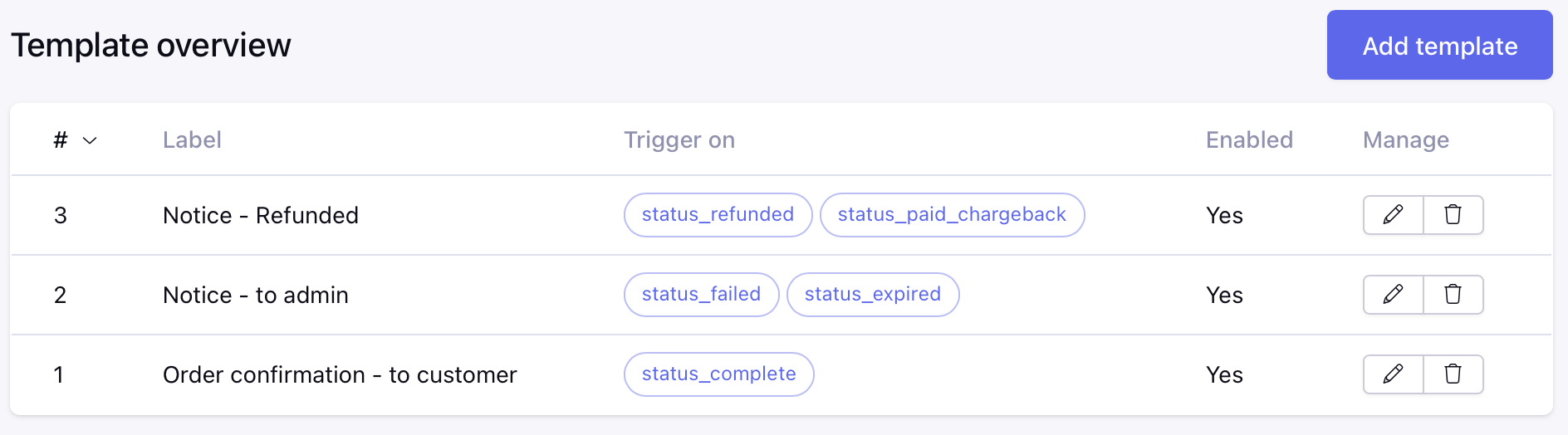
Label
Give your template a logical name. Used in the list of templates.
Enabled
Is the template enabled, e.g. can we use it for sending?
Trigger on (status)
Select the status that will trigger this email. You can select multiple statuses. Leave empty to ignore this trigger.
Trigger on (is_paid)
Select if this email should be triggered on the is_paid status. Leave empty to ignore this trigger.
Trigger on (is_shipped)
Select if this email should be triggered on the is_shipped status. Leave empty to ignore this trigger.
Subject
The subject of the email. You can use the following variables: {order_id},
To
The email address where the email should be sent to. You can use the following variables:
Bcc
Enter the BCC email address (comma separated)
Content
The content of the email. You can use all variables from the Order Tag. But without the prefix {order:}, just like {customer_first_name}
Mail Type
Set the type of email. This can be HTML or Plain text
Include Confirmation PDF
If enabled, the order confirmation will be attached as a PDF to the email.
Include Invoice PDF
If enabled, the invoice will be attached as a PDF to the email.
Logging
This is where you can track all error logs
License
Enter your license key to activate your module