Appearance
CP Overview
The CP of the Webservice module has the following pages, in the order of the sidebar:
| Page | Description |
|---|---|
| Endpoints | The landing page: all endpoints with their status and statistics, try an endpoint with Try it, see Endpoints and Testing tool. Available from v10.0.0 |
| Members | The members and roles that can use the API, see Creating members. Filter on type, status and a keyword, and enable, disable or delete members in bulk. Filters and bulk actions available from v10.0.0 |
| Shortkeys | All shortkeys of the members with their label, member and when they were created and last used, see Shortkeys. Search with the keyword filter and revoke shortkeys in bulk. Available from v10.0.0 |
| Api Logs | The logged API calls, with filters, bulk delete and a CSV export, see Logging |
| Logging | The log of the module itself, with filters, bulk delete and a CSV export, see Logging |
| Cache | The endpoints that can be cached with their cache, cache time and hit rate. Clear the cache of endpoints or all cache, see Cache. Available from v10.0.0, before it was the Clear cache page |
| Settings | The settings of the module, see below |
The sidebar also has a link to this documentation.
Settings
Logging
| Name | Description |
|---|---|
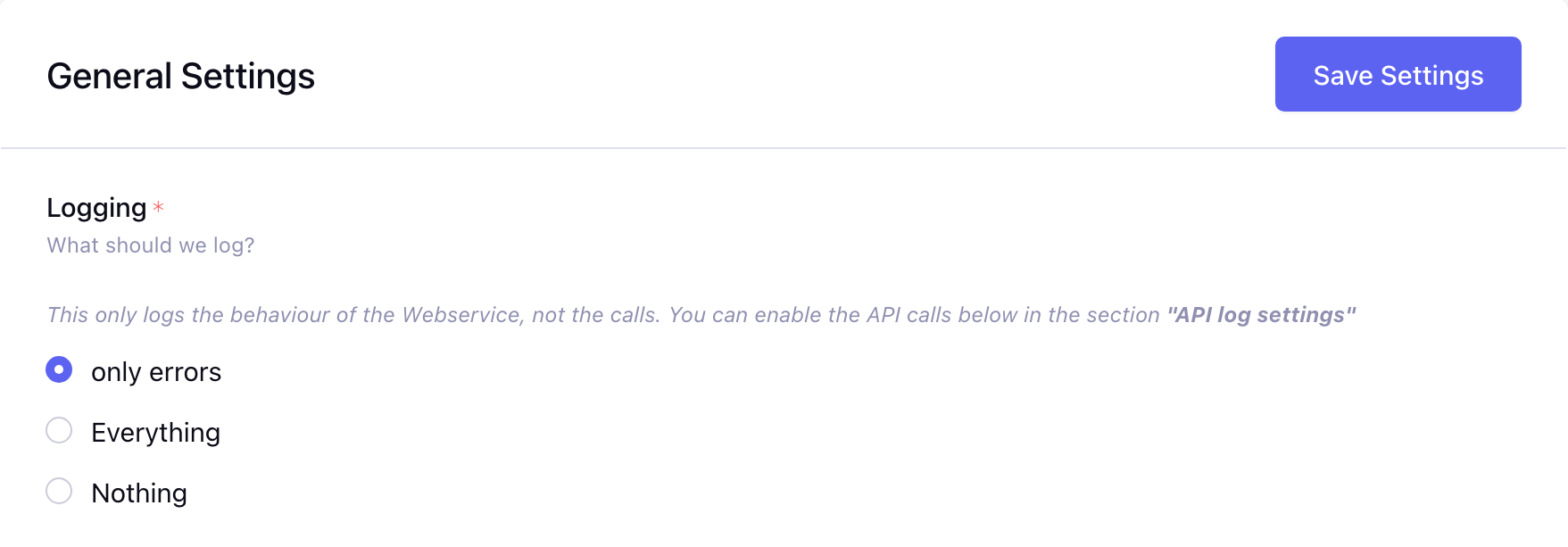
| Logging | What should be logged of the behaviour of the module. Options: only errors, Everything, Nothing. This does not log the API calls, see API log settings |
APIs
Available from v10.0.0
| Name | Description |
|---|---|
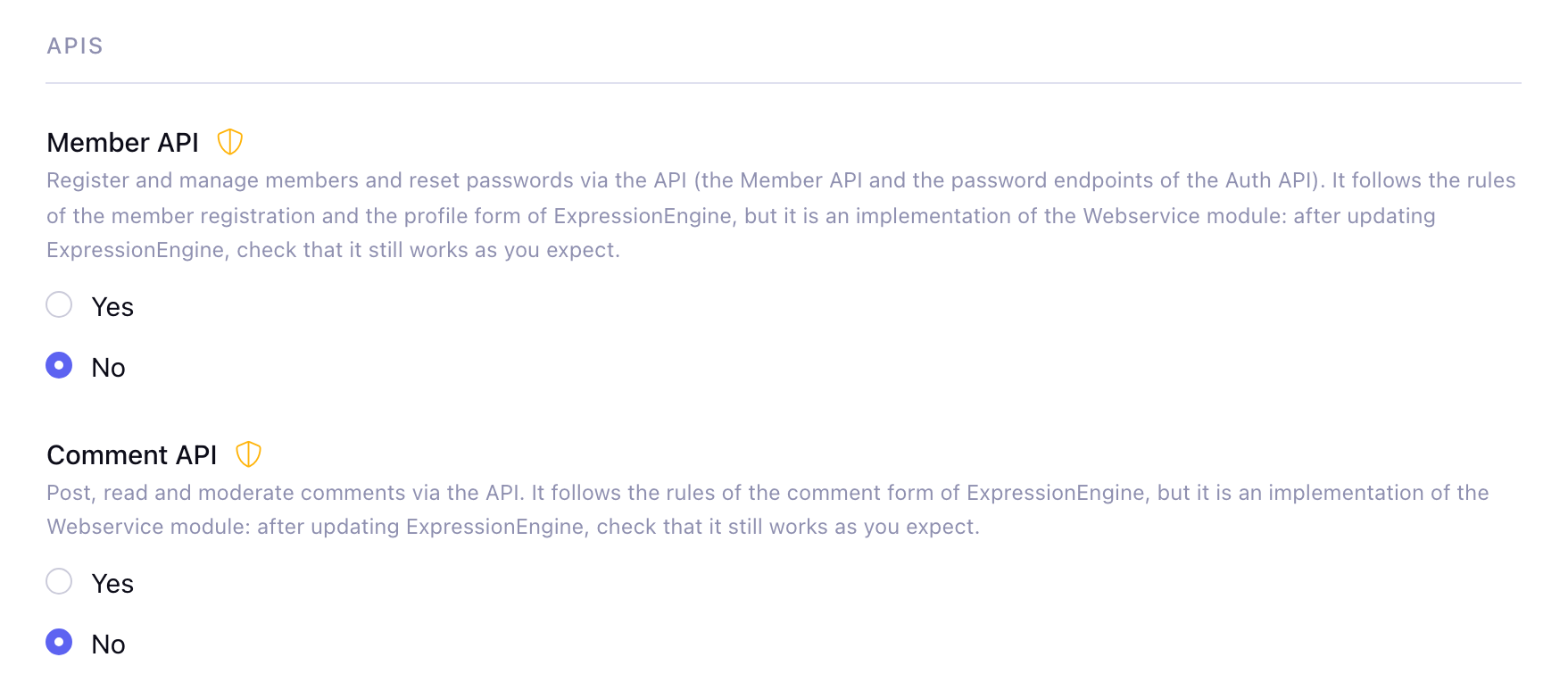
| Member API | Register and manage members and reset passwords via the API: the Member API and the password endpoints of the Auth API. Default: no |
| Comment API | Post, read and moderate comments via the Comment API. Default: no |
These APIs follow the rules of the forms of ExpressionEngine (registration, profile, comments), but they are an implementation of the Webservice module. After updating ExpressionEngine, check that they still work as you expect. When off, the endpoints do not exist (404).
Specific settings
| Name | Description |
|---|---|
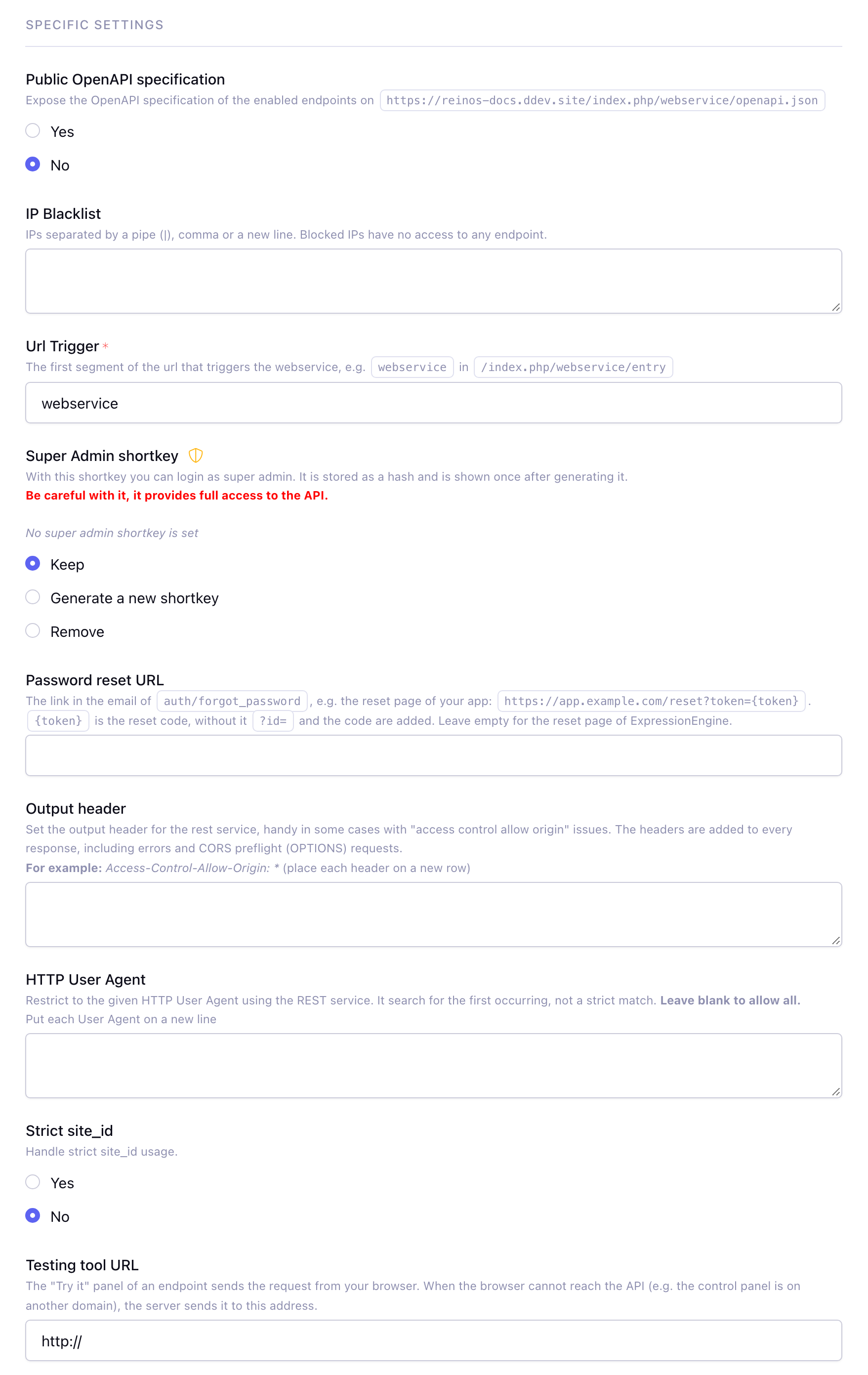
| Public OpenAPI specification | Expose the OpenAPI specification of the enabled endpoints on /webservice/openapi.json. Default: no. Available from v10.0.0 |
| IP Blacklist | IPs that have no access to any endpoint, separated by a pipe (|), comma or a new line. Before v10.0.0 only a pipe was supported |
| Url Trigger | The first segment of the url that triggers the webservice. Default: webservice |
| Super Admin shortkey | With this shortkey you log in as the super admin, it gives full access to the API. Be careful with it. Since v10.0.0 it is generated here (Generate a new shortkey) and shown once, only a hash is stored. Remove disables it |
| Password reset URL | The link in the email of the forgot password endpoint, e.g. https://app.example.com/reset?token={token}. {token} is the reset code, without it ?id= and the code are added. Empty is the reset page of ExpressionEngine. Available from v10.0.0 |
| Output header | Headers that are added to the responses, e.g. Access-Control-Allow-Origin: *. Place each header on a new row. Since v10.0.0 the headers are added to every response, including errors and CORS preflight (OPTIONS) requests |
| HTTP User Agent | Only allow requests with one of these user agents, each user agent on a new line. The user agent of the request needs to contain one of them, otherwise the request gets a 403. Leave blank to allow all |
| Strict site_id | Require a site_id when creating an entry |
| Testing tool URL | The address the server sends a request of the Try it page to, when your browser cannot reach the API (e.g. the control panel is on another domain). The root of the site, e.g. https://your-domain.com: /index.php/ and the url trigger are added. Default: http:// with the server name. Empty uses the url of the API |
The Free API(s) setting is replaced by the public endpoints on the Endpoints page in v10.0.0. Existing free APIs are migrated.
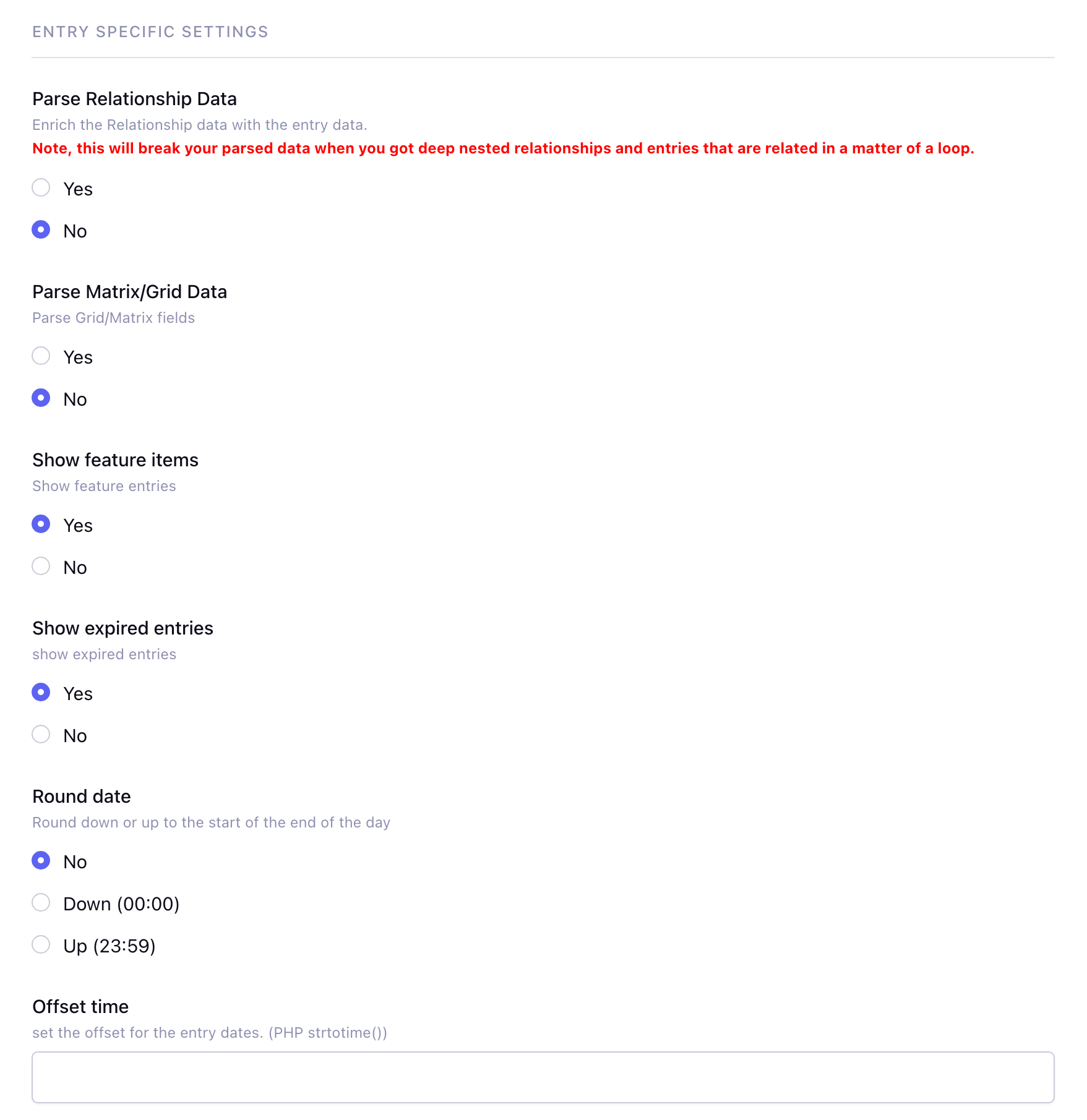
Entry specific settings
| Name | Description |
|---|---|
| Parse Relationship Data | Enrich the relationship data with the entry data. Note, this breaks the parsed data with deep nested relationships and entries that are related in a loop |
| Parse Matrix/Grid Data | Parse the Grid/Matrix fields |
| Show feature items | Show entries with an entry date in the future |
| Show expired entries | Show entries with an expiration date in the past |
| Round date | Round the dates down (00:00) or up (23:59) to the start or end of the day |
| Offset time | The offset for the entry dates, in the format of PHP strtotime() |
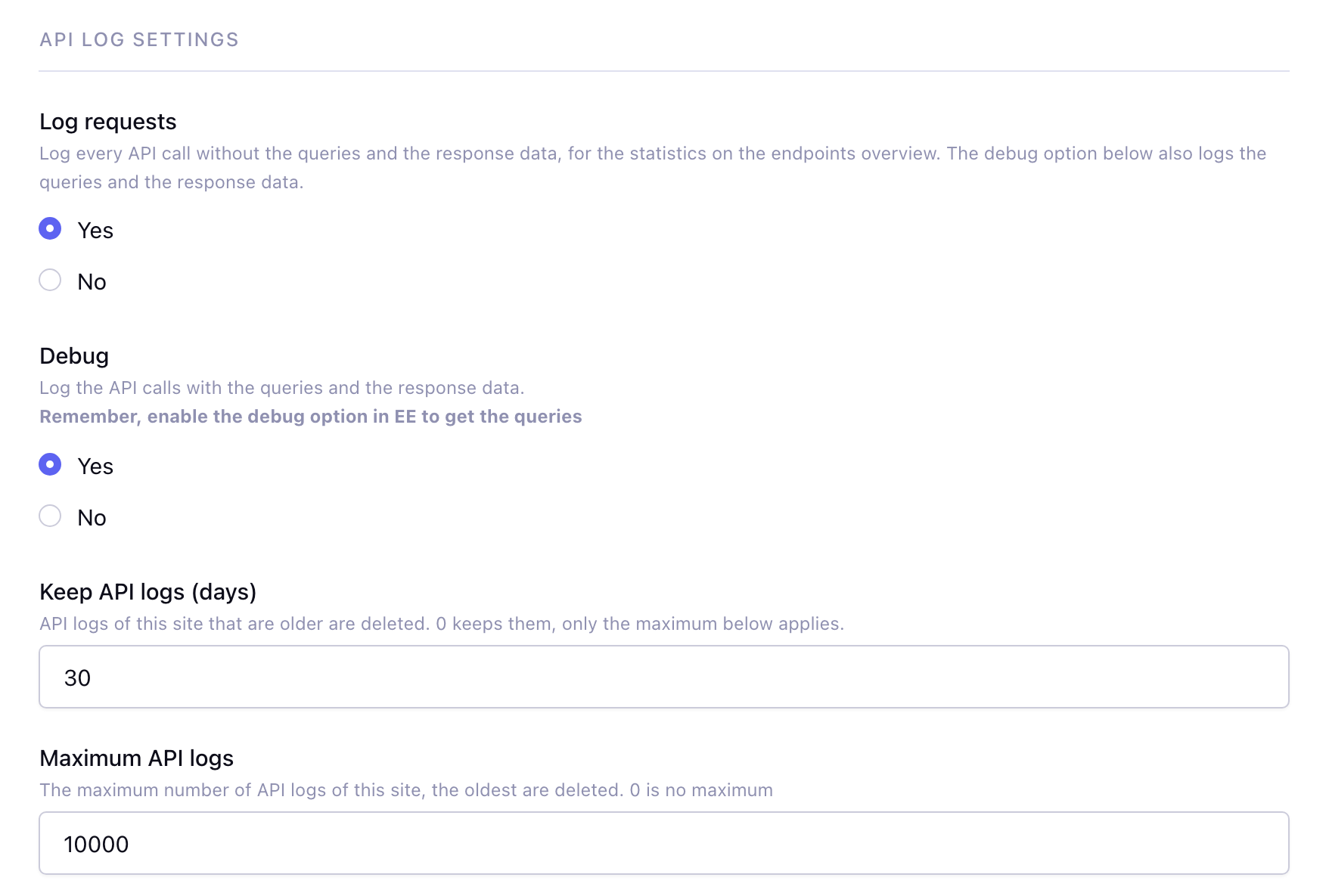
API log settings
| Name | Description |
|---|---|
| Log requests | Log every API call with the HTTP status and the duration, without the queries and the response data. Used for the statistics on the Endpoints page. Default: yes. Available from v10.0.0 |
| Debug | Log the API calls with the queries and the response data, see Api Logs. Enable the debug option in EE to also log the queries. In debug mode the details of an error and the PHP errors are also shown in the response. Default: no (before v10.0.0 yes, an update keeps the current setting) |
| Keep API logs (days) | API logs of the current site that are older are deleted. 0 keeps them, only the maximum applies. Default: 30. Available from v10.0.0 |
| Maximum API logs | The maximum number of API logs of the current site, the oldest are deleted. 0 is no maximum. Before v10.0.0 this applied to the logs of all sites |
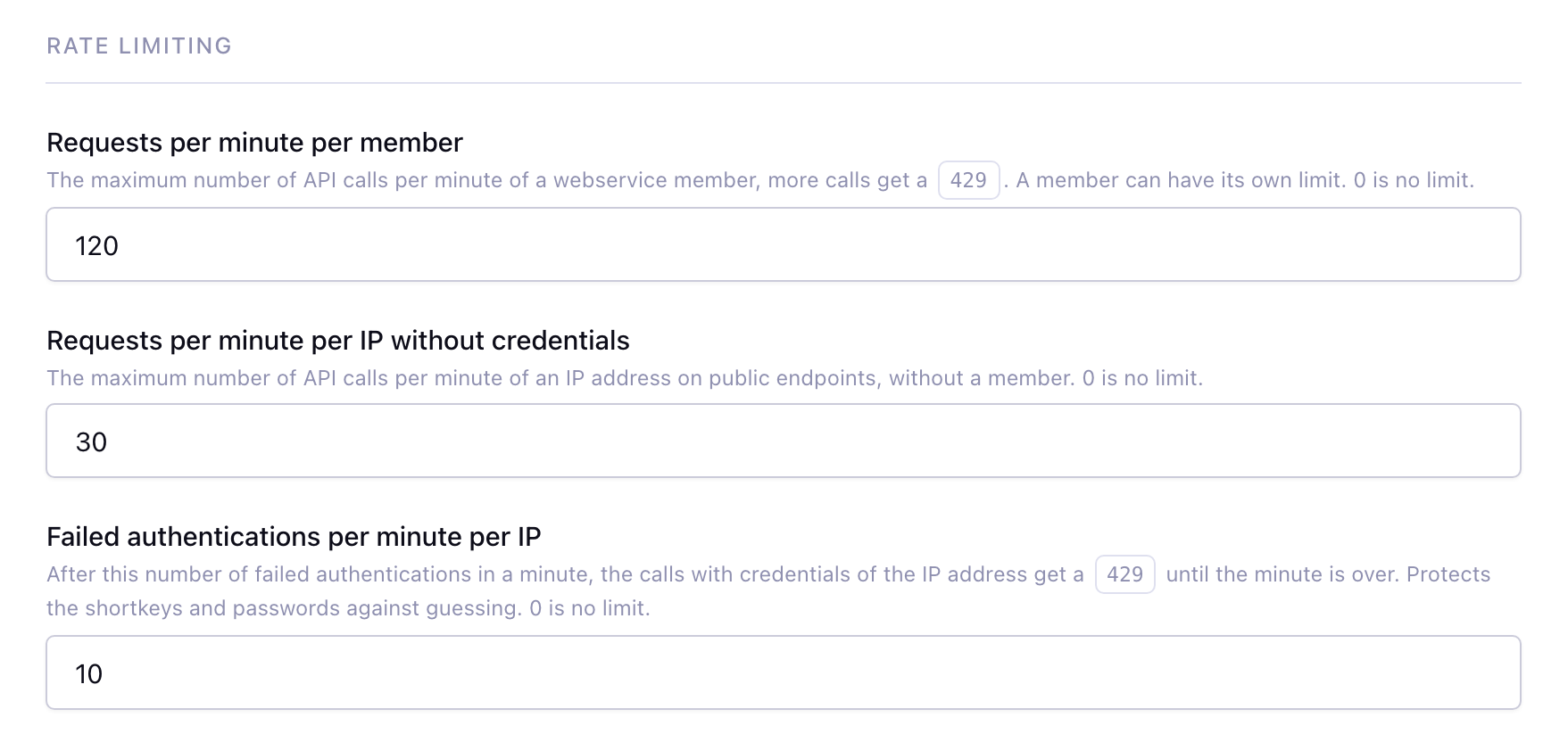
Rate limiting
Available from v10.0.0
| Name | Description |
|---|---|
| Requests per minute per member | The maximum number of calls per minute of a webservice member, 0 is no limit. Default: 0. See Rate limiting |
| Requests per minute per IP without credentials | The maximum number of calls per minute of an IP address on public endpoints, 0 is no limit. Default: 0 |
| Failed authentications per minute per IP | After this number of failed authentications in a minute, the calls with credentials of the IP address get a 429. 0 is no limit. Default: 10 |
Cache settings
| Name | Description |
|---|---|
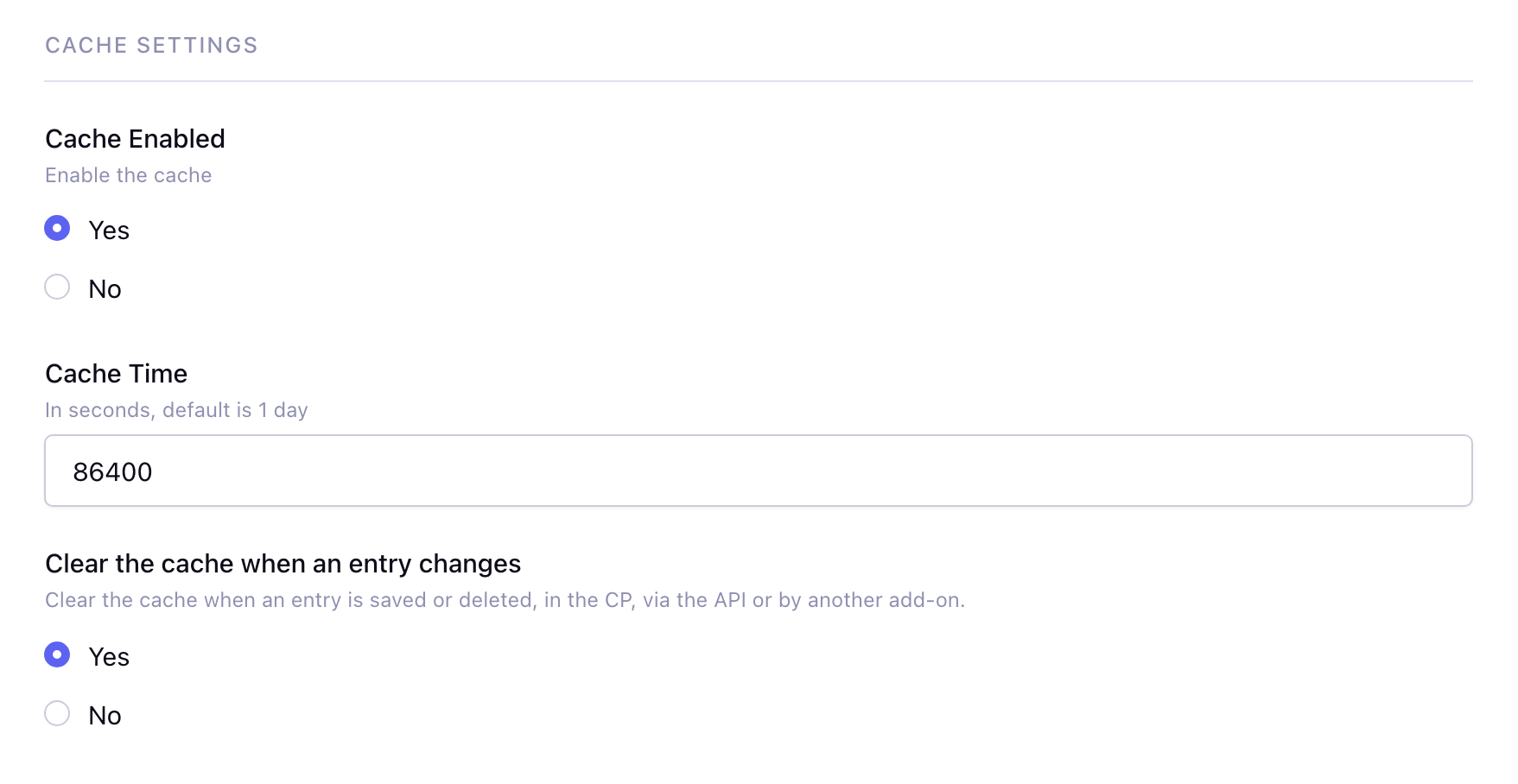
| Cache Enabled | Cache the responses of the endpoints that have the cache on, see Cache. The cache is per member and only successful responses are cached. The methods that create, update or delete an entry or a comment (e.g. update_entry) clear the cache. Also turns on the database query cache of ExpressionEngine for the API calls. Before v10.0.0 the cache did not work |
| Cache Time | How long a response is cached, in seconds. Default: 86400 (1 day). An endpoint can have its own cache time |
| Clear the cache when an entry changes | Clear the cache when an entry is saved or deleted, in the CP, via the API or by another add-on. Default: yes. Before v10.0.0 the cache was only cleared when an entry was saved and the EE setting Clear all caches when new entries are posted was on. Available from v10.0.0 |