
Appearance
Logging
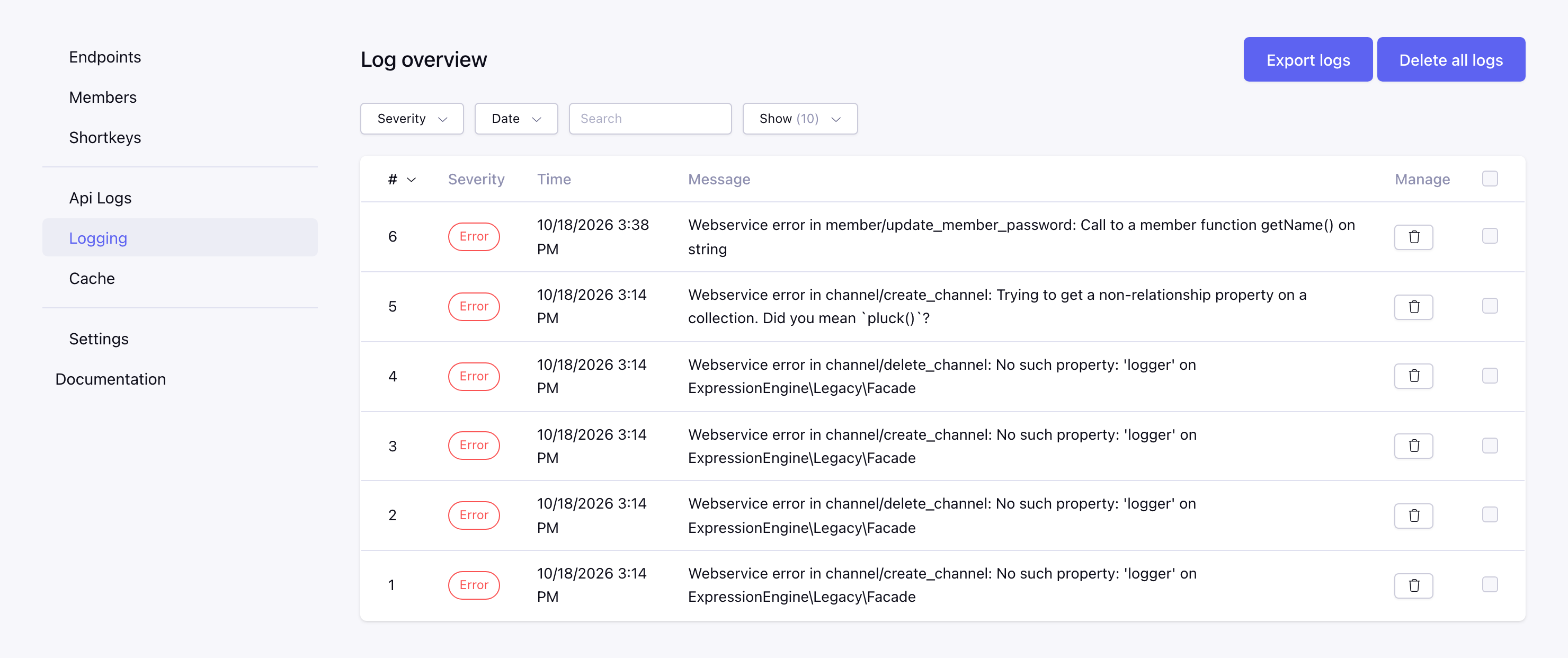
The Webservice module has two logs.
Api Logs
Each API call can be logged, set in the API log settings of the settings:
- Log requests logs every call with the HTTP status and the duration, without the queries and the response data. This is enabled by default and is used for the statistics on the Endpoints page. Available from v10.0.0
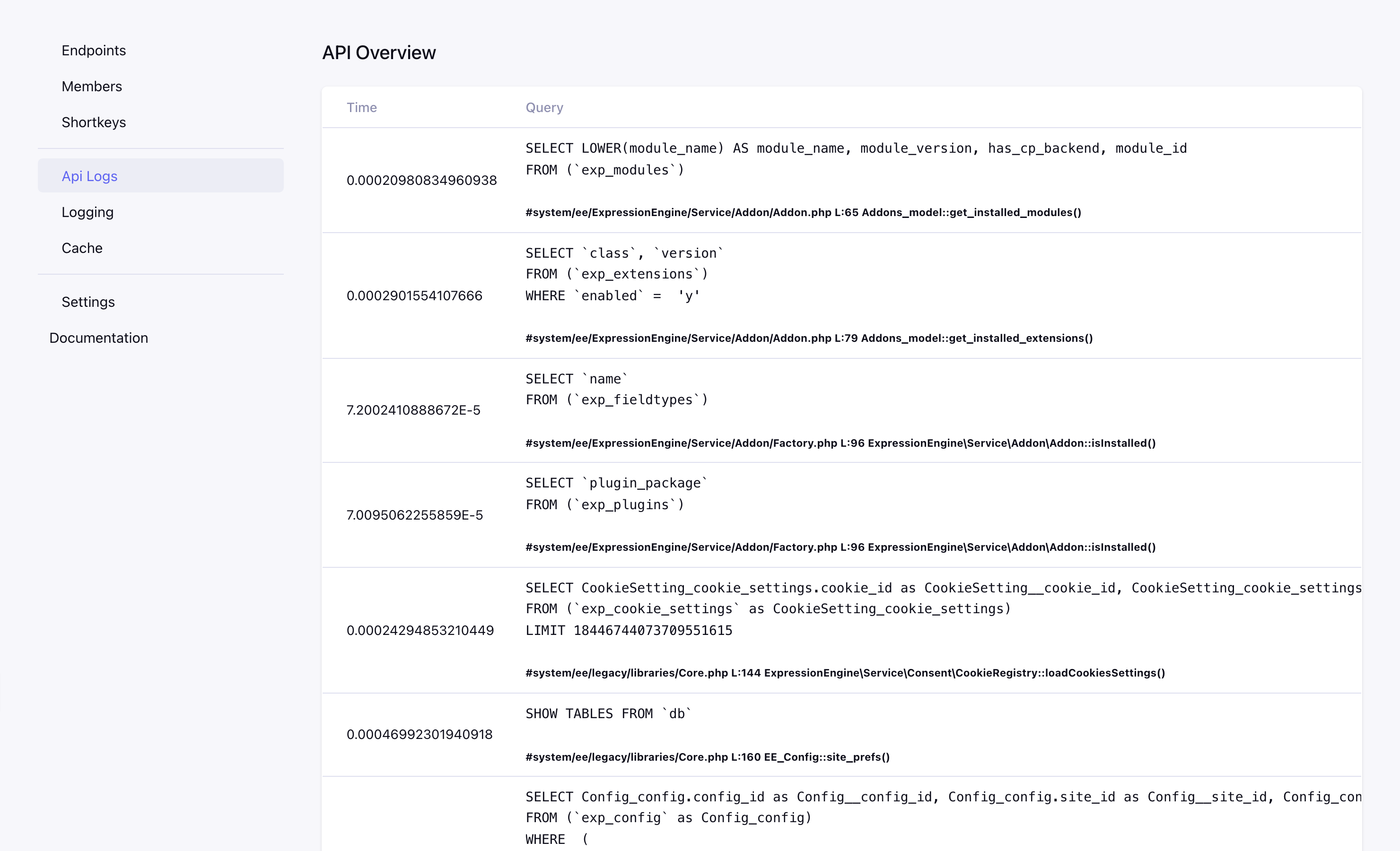
- Debug also logs the queries and the response data of every call.
The logged calls can be found on the Api Logs page, with the time, member, IP, API, method, HTTP status, duration, cache hit or miss, message and the number of queries. Click on the number of queries to see the queries, they are only logged with Debug.
Keep API logs (days) (default 30) and Maximum API logs set how long and how many calls of the current site are kept, the oldest are deleted.
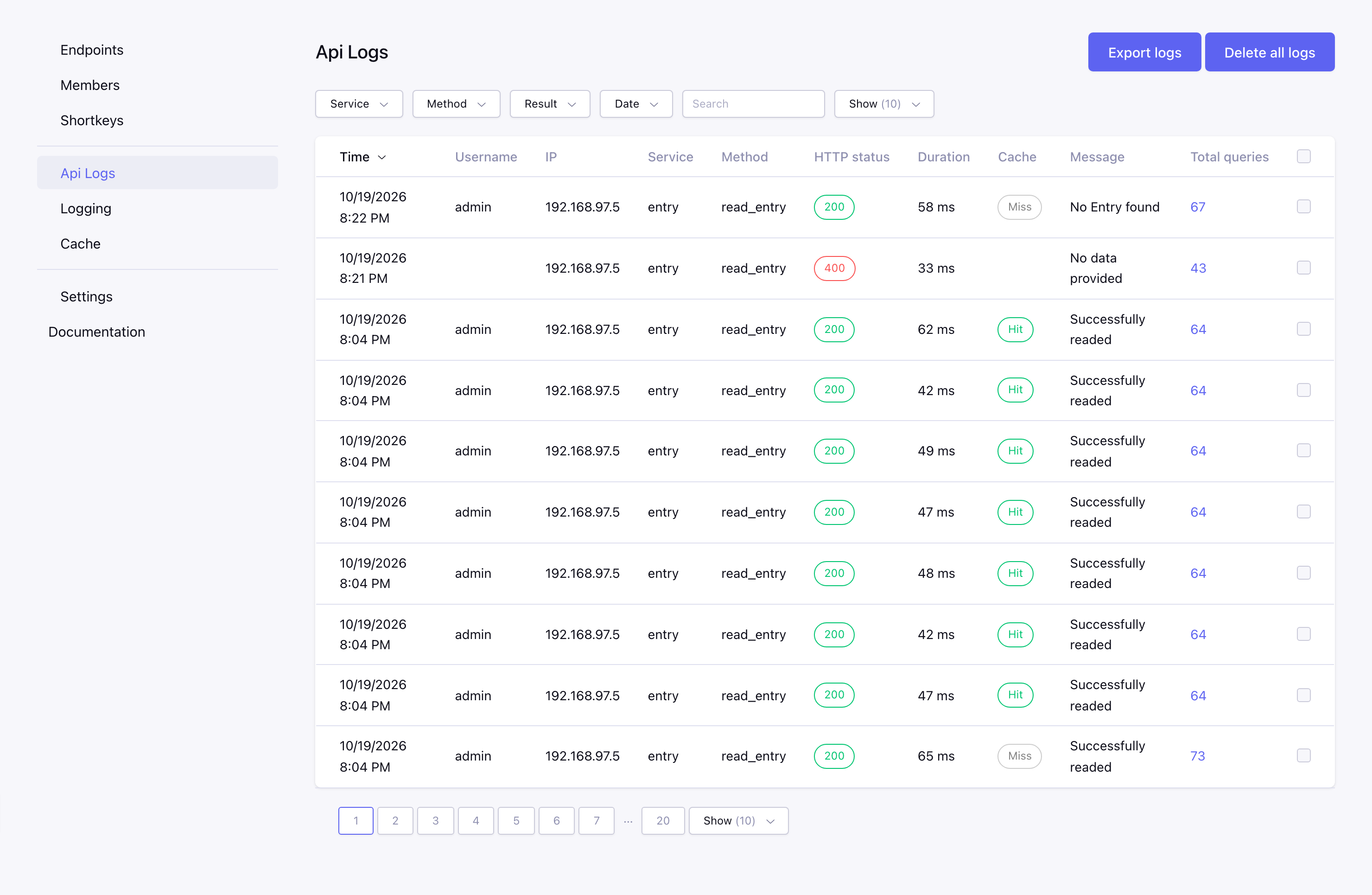
Note: enable the debug option in your EE settings to also log the queries
Logging
The Logging page shows the log of the module itself, e.g. errors. What is logged is set with the Logging setting: only errors, Everything or Nothing.
Filters, bulk delete and export
Available from v10.0.0
Both log pages show the logs of the current site and have the following options:
- Filters: filter on the severity (Logging) or the service, method and result (Api Logs, success or an error with an HTTP status of 400 or higher), a period or your own date range and a keyword. On the Logging page the keyword searches the message, on the Api Logs page the message, username, IP and method. The filters stay active when you sort or go to another page, and you can choose how many logs are shown per page.
- Bulk delete: select logs with the checkboxes and choose Delete in the with selected bar at the bottom. You are asked to confirm.
- Export logs: download the logs as a CSV file (separated by
;). The export contains the logs that match the active filters. The API log export has no queries and response data, it does have the HTTP status and the duration. Values that start with=,+,-or@get a'in front, so a spreadsheet does not run them as a formula. - Delete all logs: deletes all logs of the current site. Before v10.0.0 the logs of all sites were deleted.