Appearance
Creating Members for the API
Only members (or roles) that are added in the Webservice module can use the endpoints that require auth. Super Admins can use all APIs without being added. A Super Admin that is added and deactivated has no access, its credentials and its login stop working.
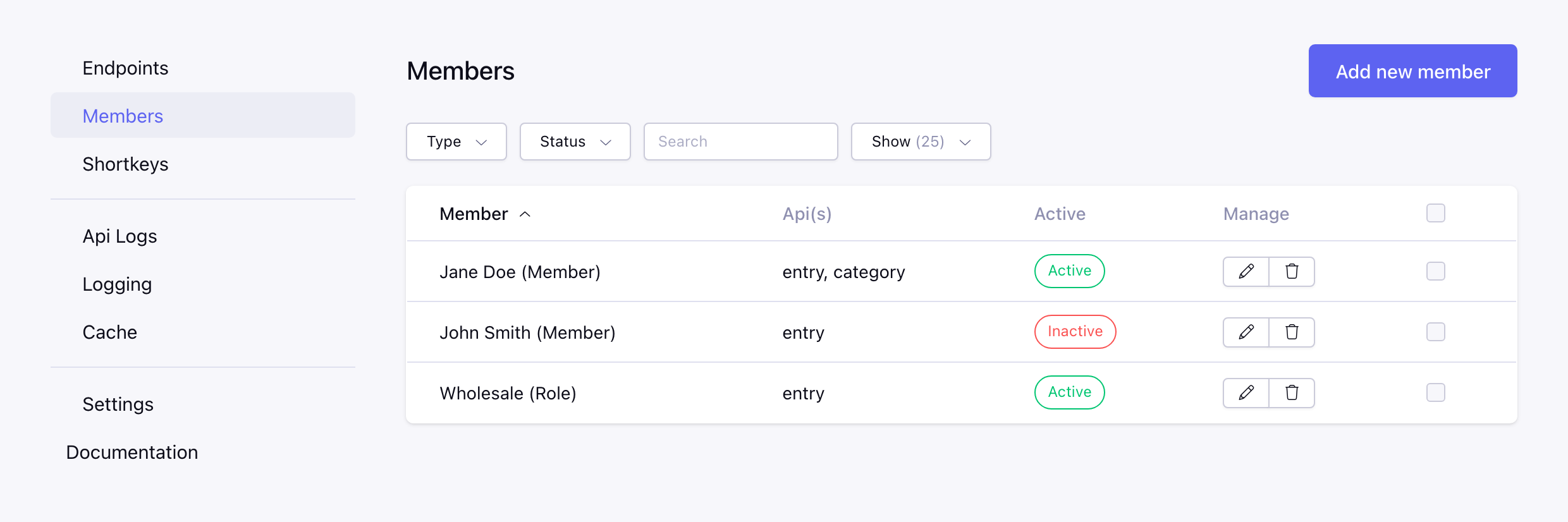
- Go to Members in the CP of the Webservice module
- Click on Add new member
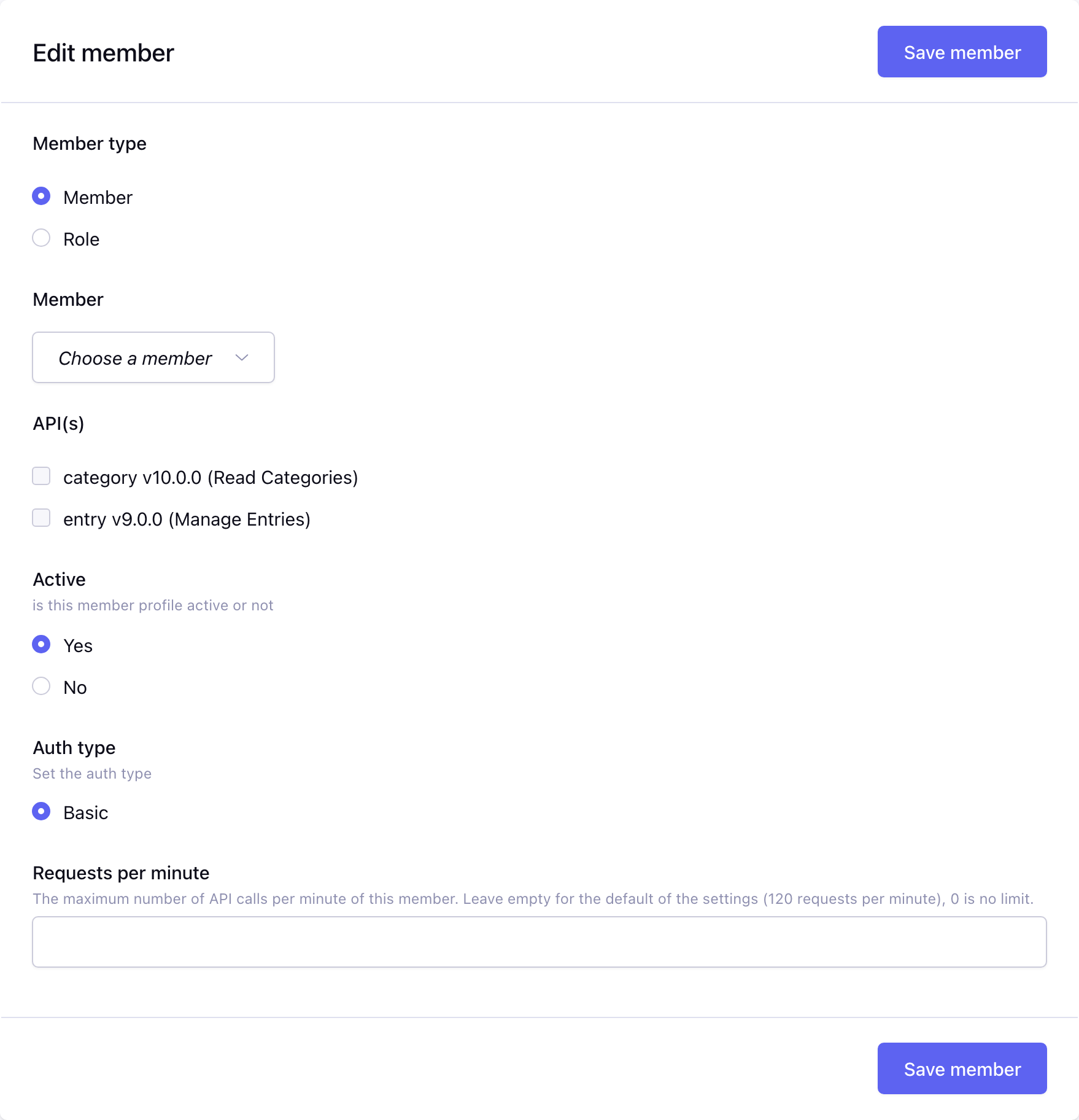
- Choose the member type: a single Member or a Role (all members with that role)
- Select the member or role
- Choose the API(s) the member has access to
- Active is yes by default
- Optionally set Requests per minute, empty uses the default of the rate limiting settings
- Save the member
The Auth type has only one choice, Basic.
After saving, the key and secret of the member are shown once at the top of the page, copy them right away. Below the member settings, the Credentials panel shows the key, regenerates the secret and generates and revokes the shortkeys of the member.
A shortkey or key and secret of a Role logs in as the first member with that primary role (the lowest member id), with the active status and the APIs of the role. A member that is not active gets a 403 (Service is not running), an API that is not selected also a 403 (This API is not active for this service). When a member is deleted in ExpressionEngine, it is also removed from the Webservice module.
WARNING
A member only has access to the APIs that are selected. Check the selected API(s) of your members when updating to v10.0.0 (Breaking change).