
Appearance
Links
The link balloon of the editor knows your site. Select some text, click Link (or press Ctrl/Cmd+K) and pick what to link to:
| List | Shows | Stored as |
|---|---|---|
| Bookmarks | the anchors in the same text | #name |
| Pages | the pages of the Pages module or Structure, as a tree | {page_url:ENTRY_ID} |
| Entries | the latest 100 entries of the Linkable channels | {entry_url:ENTRY_ID} |
| Templates | the Linkable Templates | {template_url:TEMPLATE_ID} |
| File manager | the EE File Manager (or Assets), to link to a file | {file:FILE_ID:url} |
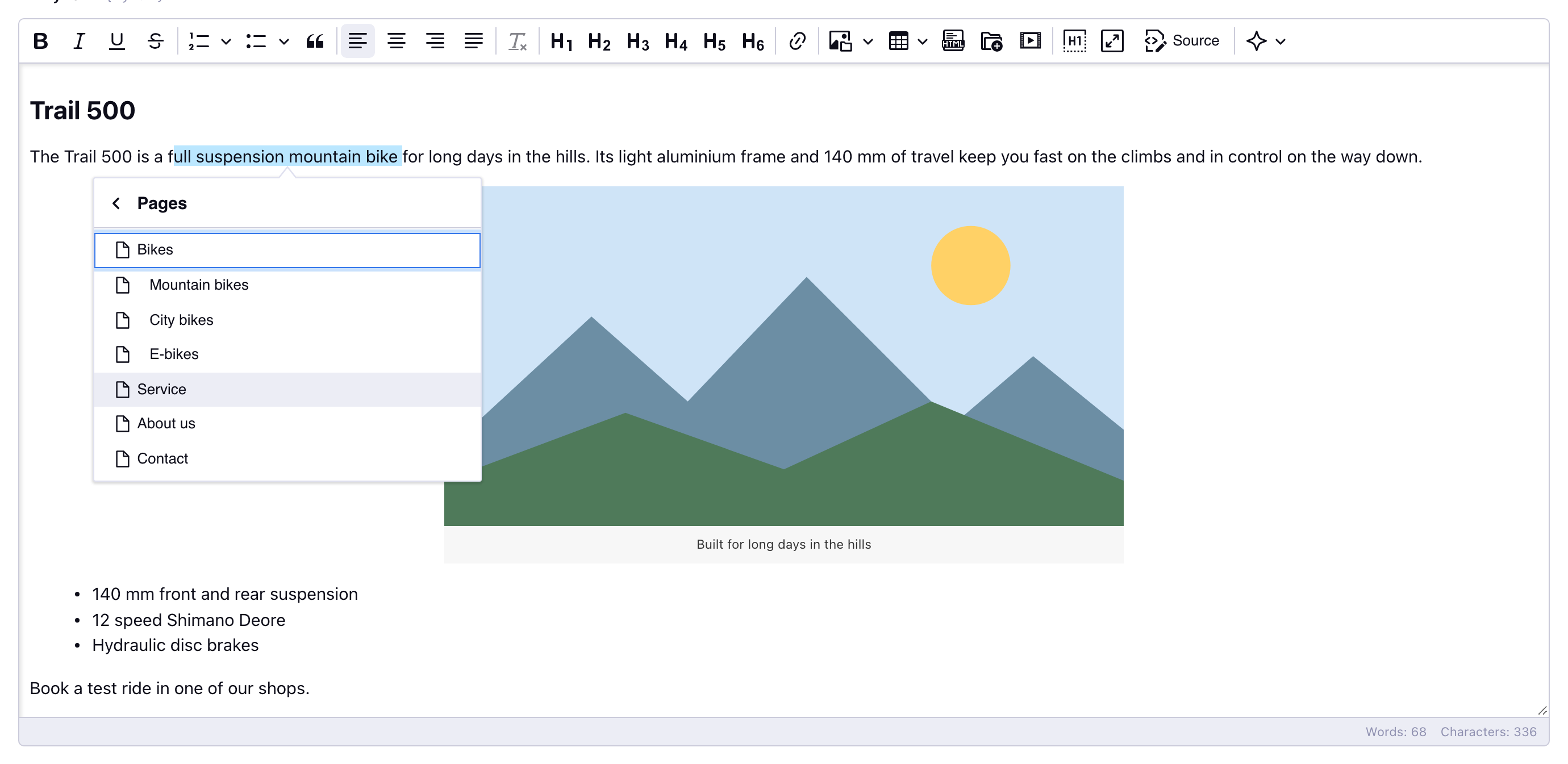
Links to pages, entries and templates are stored by ID, not by url: when a url changes, the links keep working. In the editor they show the title of the page, entry or template instead of the tag. Every link can open in a new tab or be marked as downloadable.
Entries
Available from v6.0.0
Select the channels in Linkable channels to show the Entries list. Empty (the default) hides it, so large sites don't get long lists by accident.
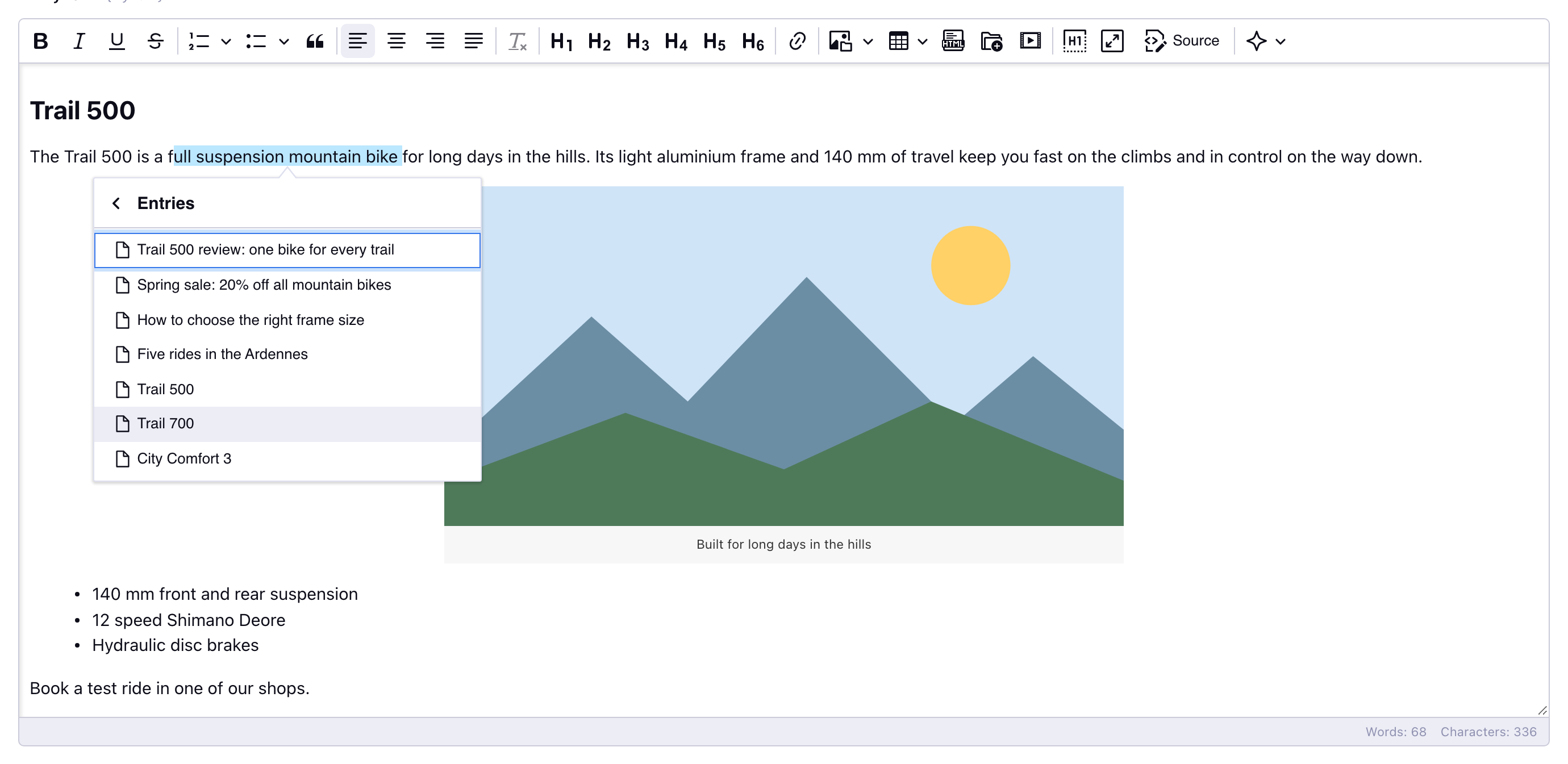
{entry_url:ENTRY_ID} becomes the url of the entry when the template is rendered, like ExpressionEngine does for Live Preview:
- the Pages/Structure url of the entry, when it has one;
- else the Preview URL of its channel, with
{entry_id}and{url_title}filled in (e.g.blog/entry/{url_title}); - else the Channel URL of its channel followed by the url title.
All entry links of a page are looked up in one query. A link to a deleted entry, or to an entry without a url, gets an empty href; the Broken links page lists them.
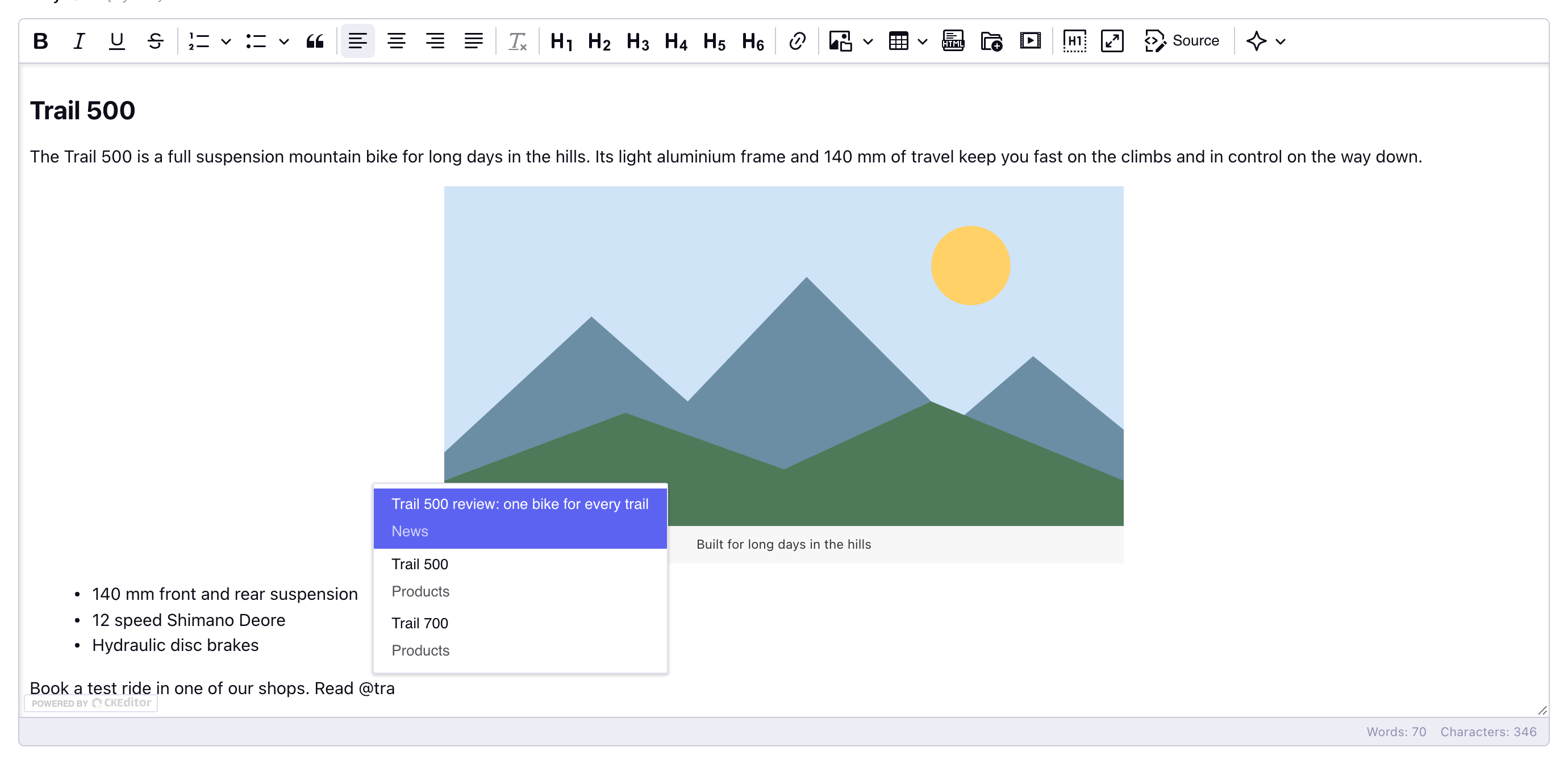
Type @ to link
Type @ followed by (part of) a title to insert a link without opening the link balloon. The list shows the pages (with their uri) and the entries of the linkable channels (with their channel). Entries are searched in all their entries, not only the latest 100. An entry that is also a page is shown once, as a page.
Pasted links
A link to a page of your site that is pasted or typed as a full url (https://example.com/about) or as a path (/about) is stored as {page_url:ENTRY_ID} when the entry is saved, also when it opens in a new tab. Links to files in an upload directory are stored as {file:FILE_ID:url}, so ExpressionEngine knows where a file is used.
Link tags in templates
The tags also work in your templates, outside Wyvern:
<a href="{page_url:12}">About us</a>
<a href="{entry_url:345}">Read the review</a>
<a href="{template_url:7}">Contact</a>