Appearance
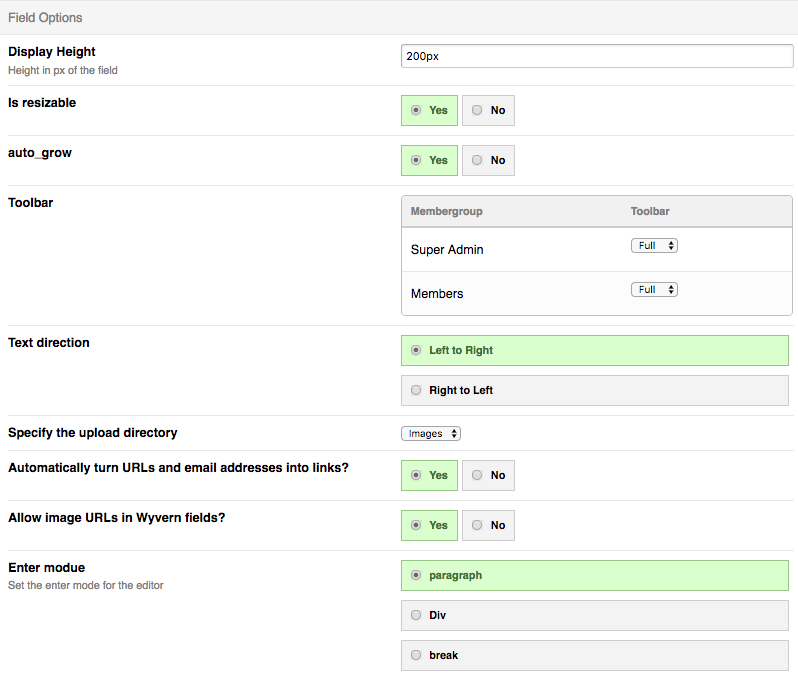
Settings per field
Display Height
Height in px of the field
Is resizable
This makes the field resizable by default
Auto grow
This will make the field grow as you type
Toolbar
Select per membergroup the toolbar you want to show
Text direction
Set the text direction for the field
Specify the upload directory
Select the upload folder.
Automatically turn URLs and email addresses into links?
This will turn url and email into a link
Allow image URLs in Wyvern fields?
Allow image url in the field or not.
Enter mode
What is the tag for the enter
Custom CSS
In this field you can add your css that will only loaded for this field.
Merge custom css
By default the field CSS will load both the custom CSS as also the Global style (defined in the Module CP). By setting this setting to off it will only load the custom CSS that is defined for this field only.