Appearance
Inventory management
(Added in v3.0.0)
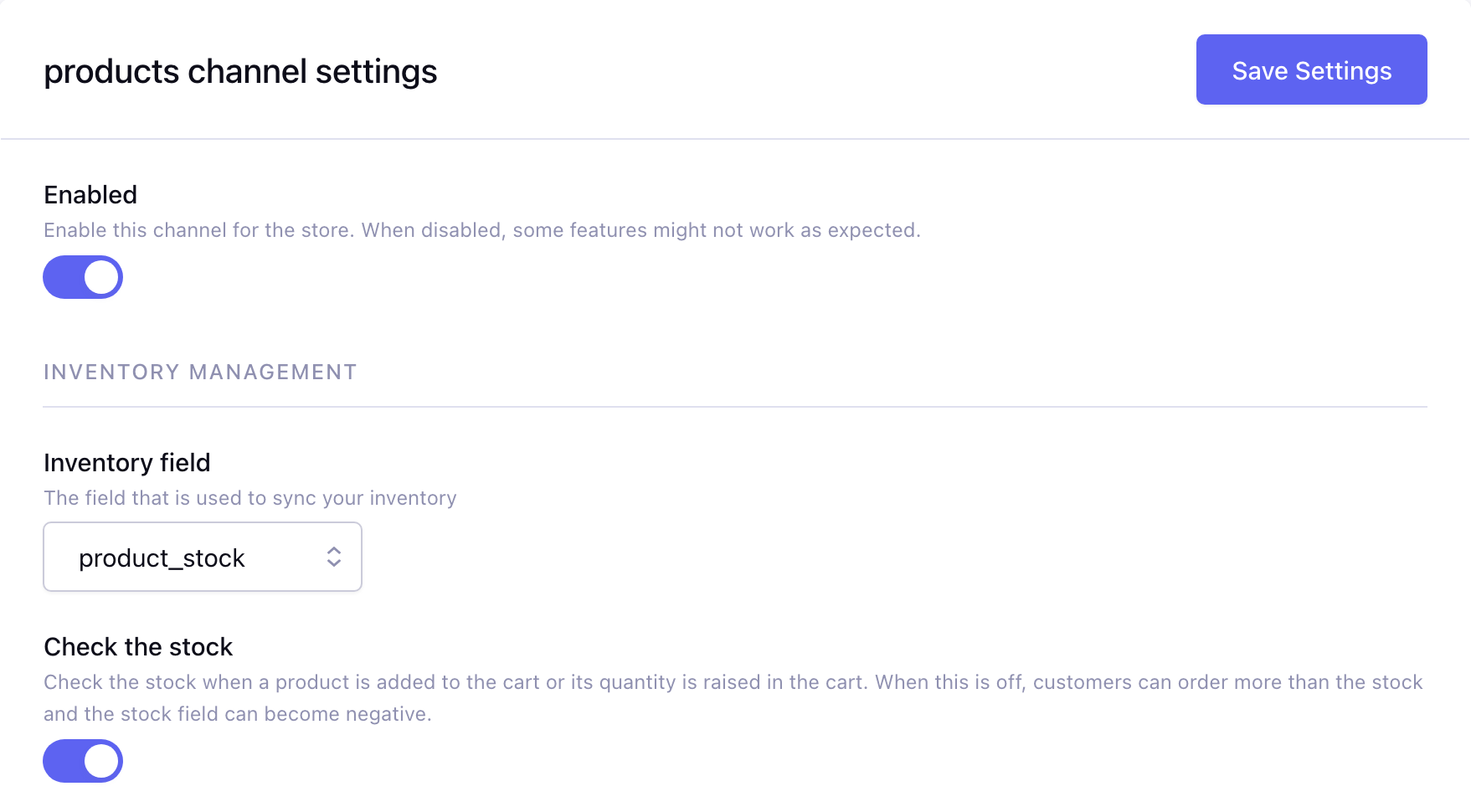
By default, the Store module provides a simple solution for managing your order inventory. The current setup allows you to select a channel field for inventory tracking. This field must be part of your product channel, and should be a Text type, and configured with Allowed Content set to Number.
When an order is placed, the module updates this field by subtracting the purchased quantity. If an order is cancelled, failed, expired, refunded or charged back, the field is updated again, adding back the quantity of the items. When such an order is paid after all, or a chargeback is reversed, the quantity is subtracted again. Deleting an order that is open, pending or complete adds its quantity back as well.
With Check the stock turned on, the stock is checked when a product is added to the cart, when its quantity is raised in the cart and again in the checkout (the stock may be sold to someone else in the meantime): there must be enough stock left, otherwise the customer gets an out of stock error. With it turned off (default) the stock is not checked. See Inventory settings.
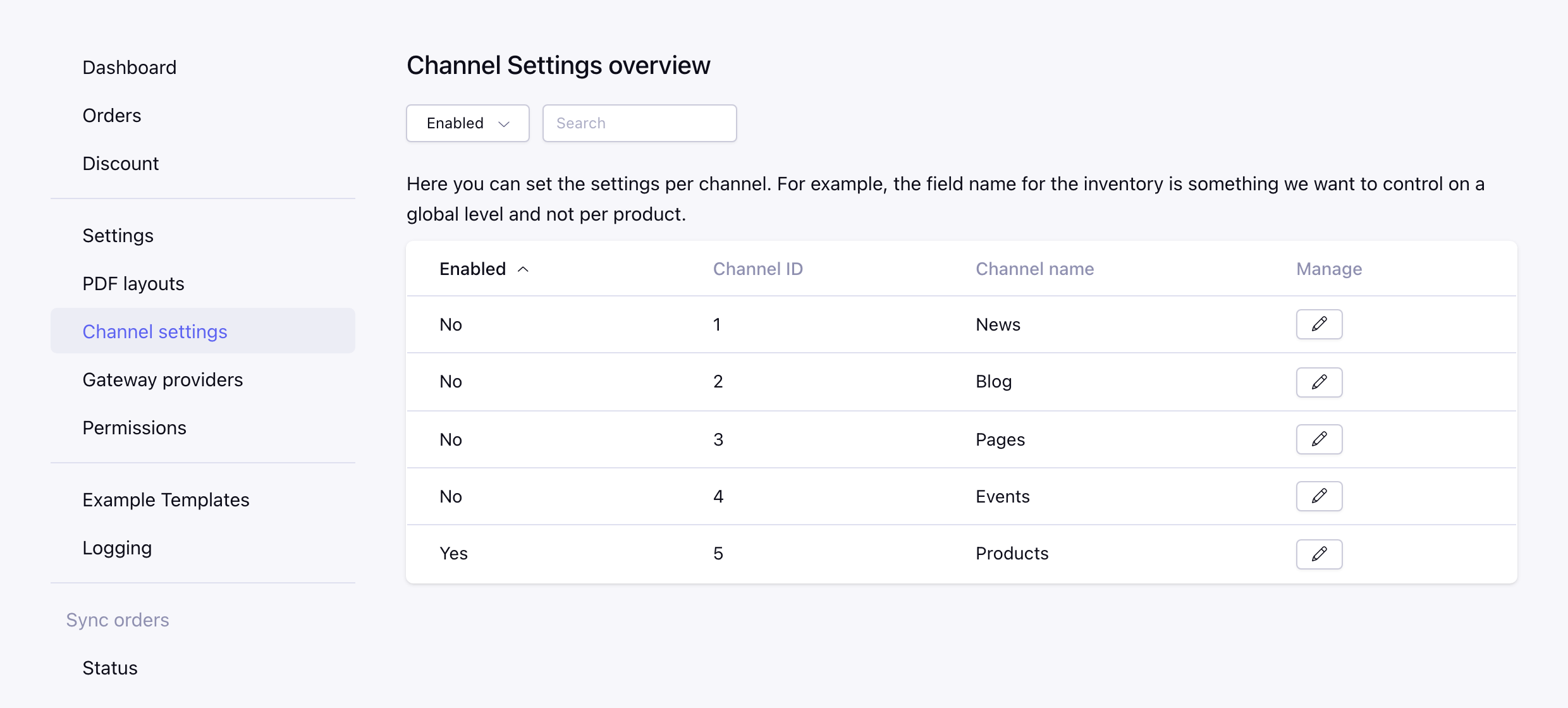
As shown below, you can manage these settings in Reinos Store CP -> Channel Settings.